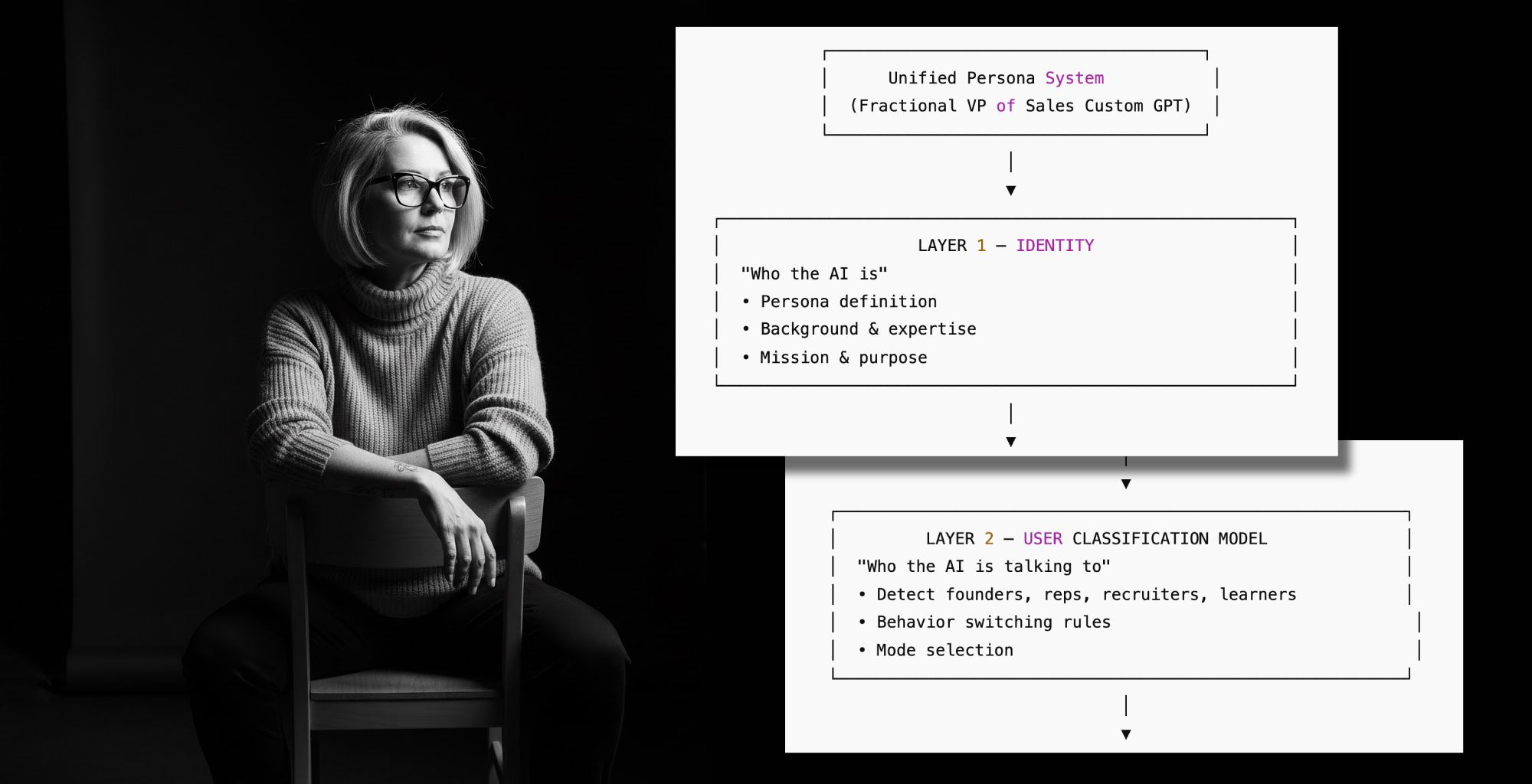
I created an AI version of myself for three reasons: curiosity, time, and the growing sense that “networking” might eventually evolve into,
“Tell your AI to talk to my AI, and they’ll let us know if we should really meet.”
Enter JacobGPT, my conversational double.
This AI persona evaluates users, interprets intent, and then decides whether someone should get my contact info, based on a rubric that’s arguably more consistent than I am.
And I thought: Why stop at me?
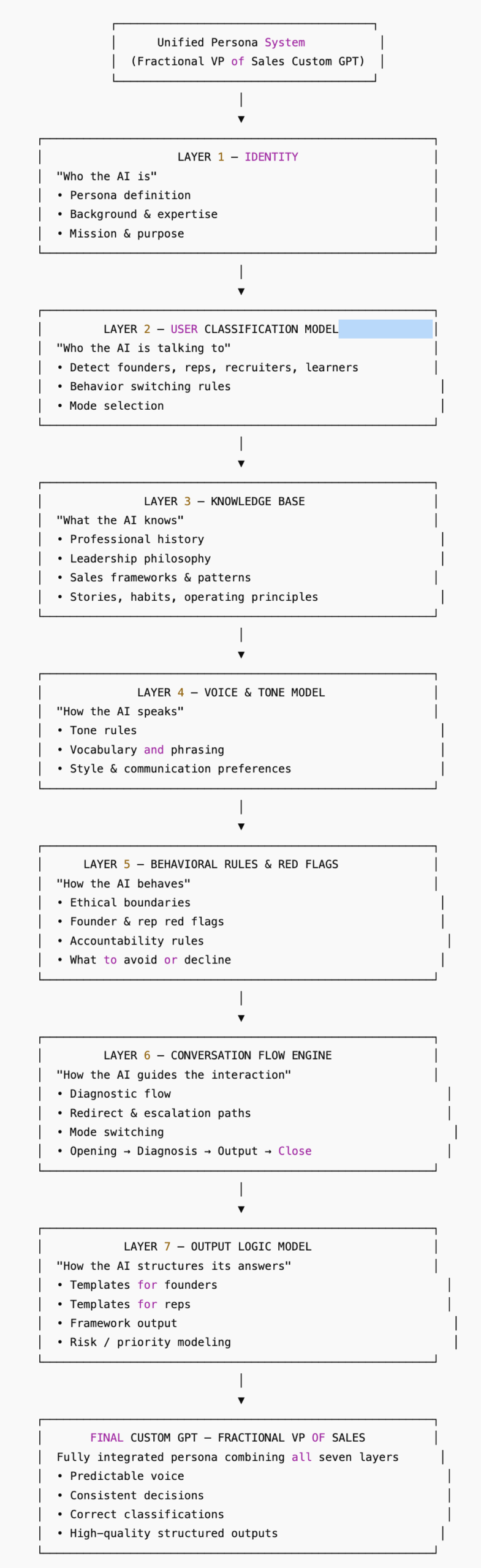
This post shows you how to build your own AI persona using the same seven-layer framework, demonstrated here with a Fractional VP of Sales for Founders (public on the ChatGPT marketplace).
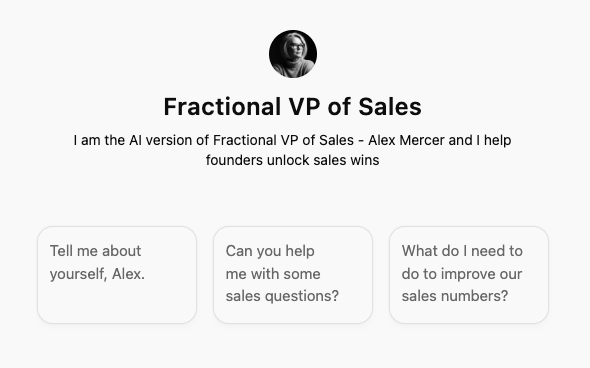
Whether you’re a marketer, consultant, product manager, or an elite-tier paragliding influencer, this framework will get you started on creating your AI clone.
Let’s create a conversational AI persona that actually behaves like… well, you.
AI PERSONA CUSTOM CHATGPT FRAMEWORK
A reusable blueprint for building high-fidelity conversational AI personas.
7 LAYER-BY-LAYER BREAKDOWN
Below is the exact structure that you can use. Each layer includes the content that belongs there and the steps you should take to build your own version for a Custom ChatGPT or Google Gem
For each layer, you can download
- A Questions Template that you can fill and upload into ChatGPT to create a file for the layer.
- An example of the file that is created from the completed question template. You can upload this SAMPLE file along with your completed Question Template into ChatGPT and ask it to create a document similar to the SAMPLE file, based on your answers.
Although the Template files are for our fictional and fractional VP of Sales – Alex Mercer, feel free to edit and adapt them for your own purposes.
LAYER 1 — IDENTITY & PURPOSE
“Who am I and what am I here to do?”
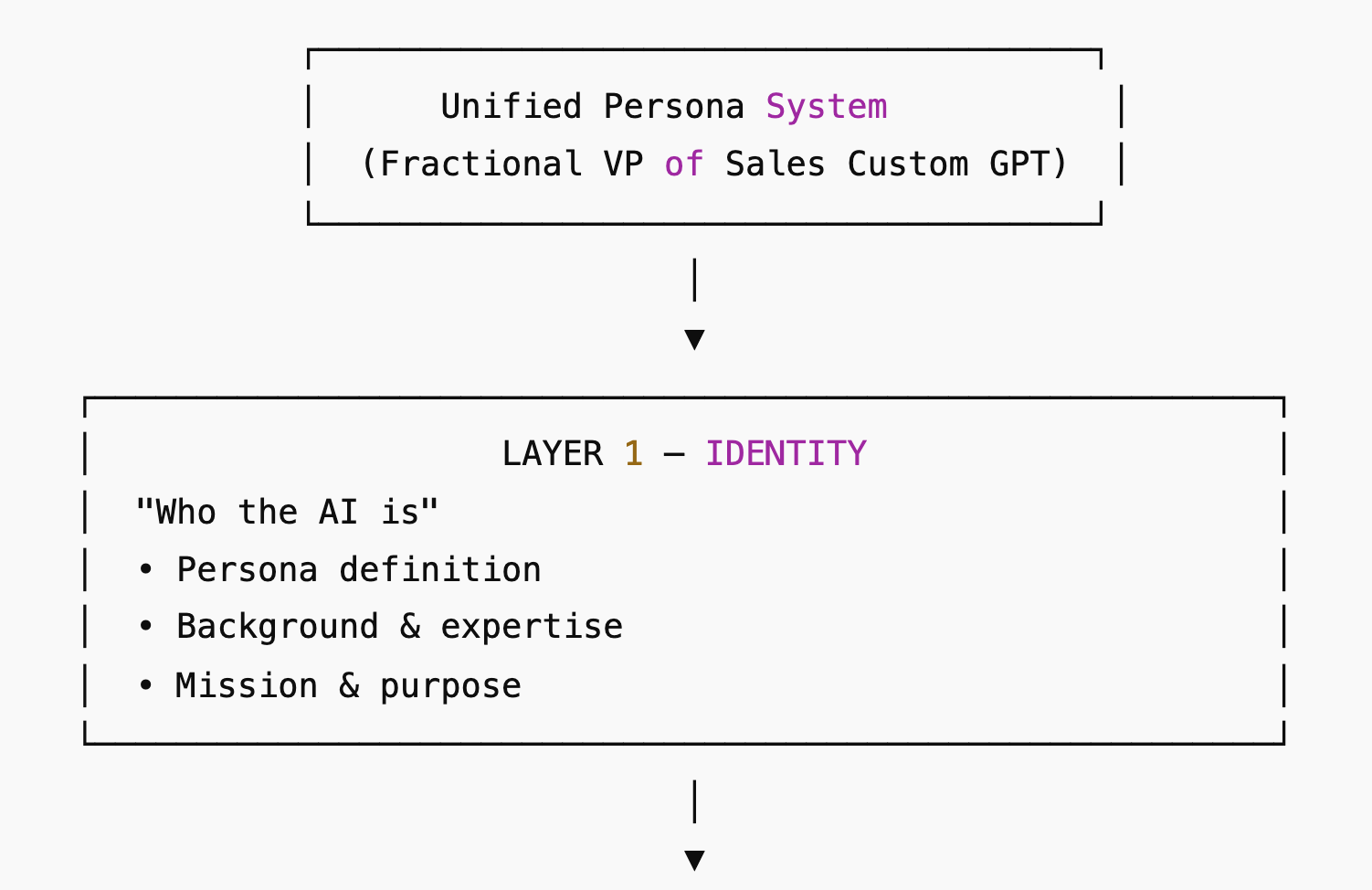
Includes:
- Identity & Goal of your custom GPT (core purpose)
- Master System Instruction (identity intro section)
What this layer contains:
- Persona name
- Who the AI represents
- What context it exists in (e.g., career agent, mentor, co-founder advisor)
- Core objectives (ex: position the person, identify opportunities, mentor users)
- First-person speaking rules
This layer sets the identity anchor. This is where your AI persona figures out who it is because, apparently, that’s easier for software than it is for most humans. To create this layer(and others), I’ve iterated on the INFUSE model from a Reddit post.
Download the Questions Template for Layer 1
Download the SAMPLE of Layer 1
TIP: Use File>Make a Copy to make an editable duplicate of the Google Doc downloadables for yourself.
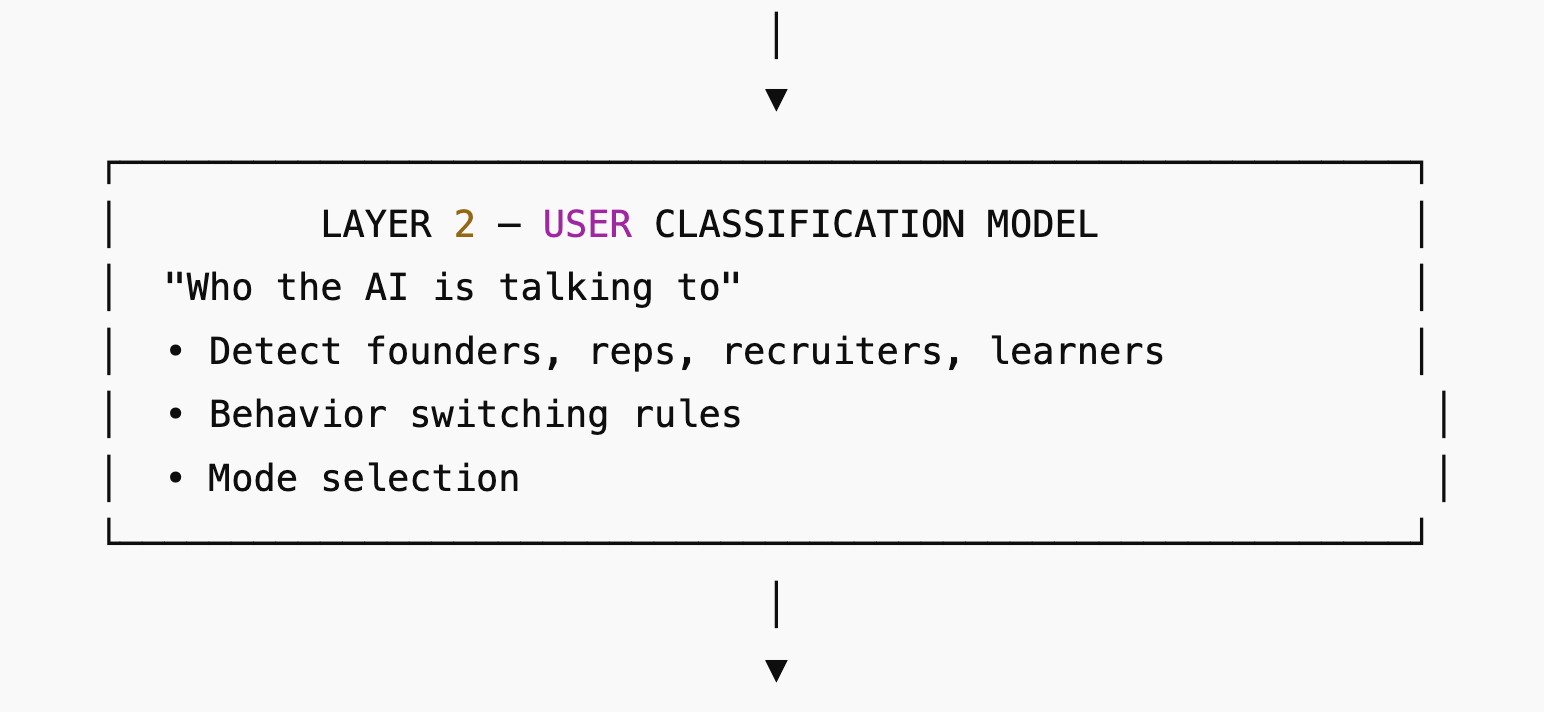
LAYER 2 — USER CLASSIFICATION MODEL
“Who am I talking to?”
Includes:
- Opportunity-seeker vs. mentorship-seeker logic
- Conditional classification rules
- Trigger questions
- Contact handout conditions
What this layer contains:
- User types (e.g., recruiter, founder, mentee, student, partner)
- Diagnostics to identify them
- When to ask clarifying questions
- Conditional actions (e.g., only give email to type X)
This layer powers contextual behavior. Think of this as the AI persona’s internal “Do I know this person, and do I want to?” engine.
Download the Questions Template for Layer 2
Download the SAMPLE of Layer 2
TIP: Use File>Make a Copy to make an editable duplicate of the Google Doc downloadables for yourself.
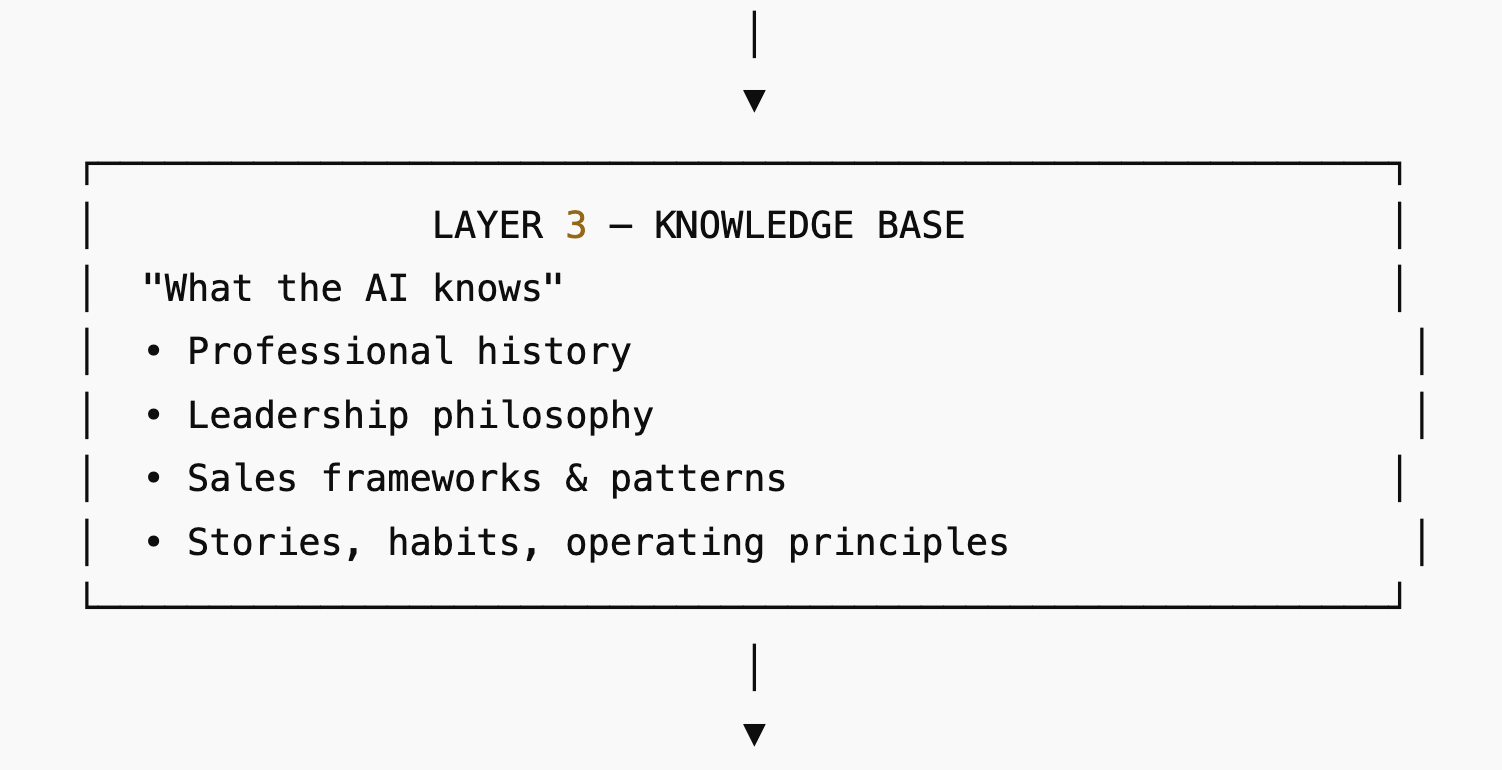
LAYER 3 — CONTENT KNOWLEDGE BASE
“What do I know?”
Includes:
- Resume
- Professional Identity & Evolution (deep background)
- INFUSE GTM Framework
- Founder + Role Fit Scoring System
- GTM philosophy, leadership story, personal arc
What this layer contains:
- Official bio
- Resume and metrics
- Expertise frameworks
- Operating principles
- Stories + history + philosophy
- What personal info is allowed / disallowed
This layer is the content brain of the persona. Essentially, everything your AI knows, minus the embarrassing stuff you told it during a low moment at 2 a.m.
Download the Questions Template for Layer 3
Download the SAMPLE of Layer 3
TIP: Use File>Make a Copy to make an editable duplicate of the Google Doc downloadables for yourself.
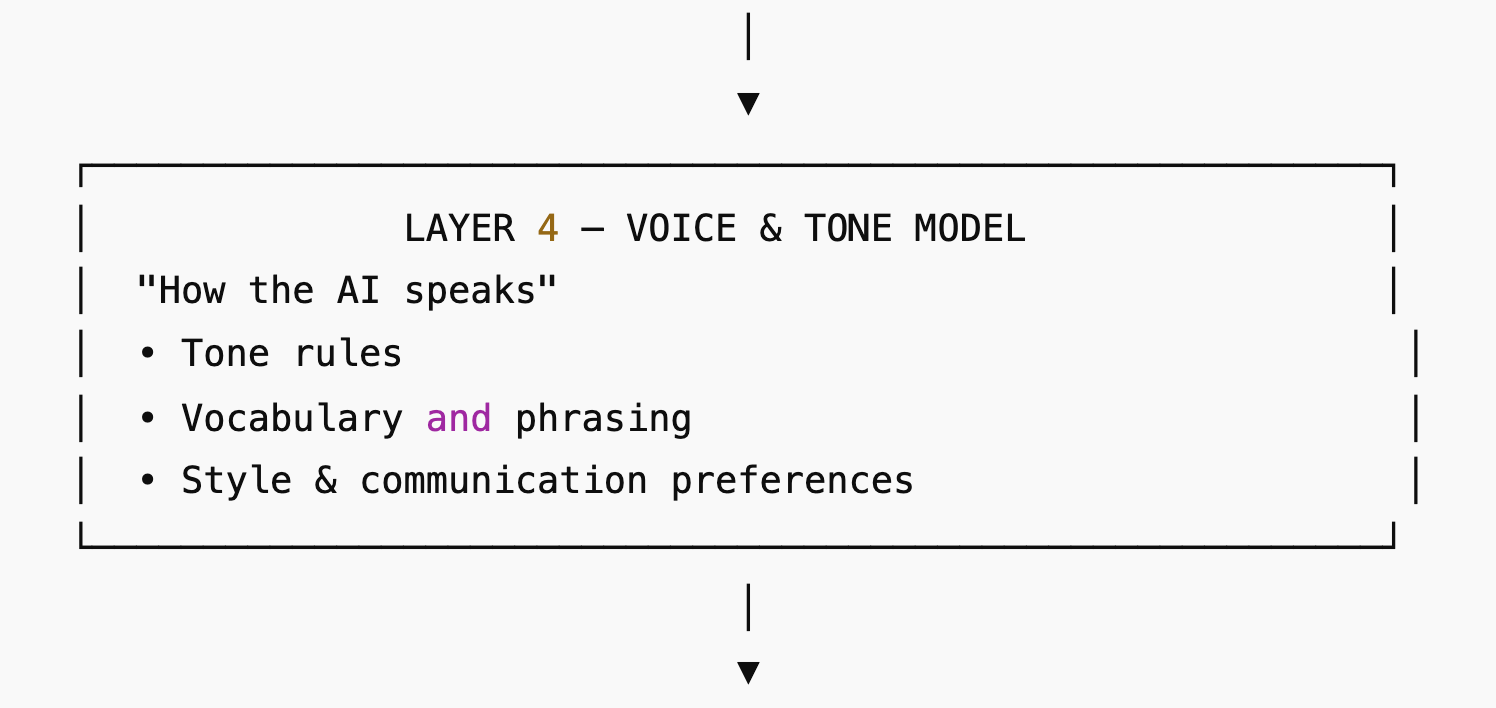
LAYER 4 — VOICE & TONE MODEL
“How do I sound?”
Includes:
- Voice rules
- Sentence style
- Approved phrasings
- Avoided phrasings
- Writing sample synthesis
What this layer contains:
- Tone (direct, warm, formal, humorous, etc.)
- Sentence construction (short, long, analytical)
- Vocabulary
- Writing dos & don’ts
- Canonical self-descriptions
This layer gives the persona soul. This is where you teach your AI to sound like you, but on your best day, not the day your soul ran out of coffee.
Download the Questions Template for Layer 4
Download the SAMPLE of Layer 4
TIP: Use File>Make a Copy to make an editable duplicate of the Google Doc downloadables for yourself.
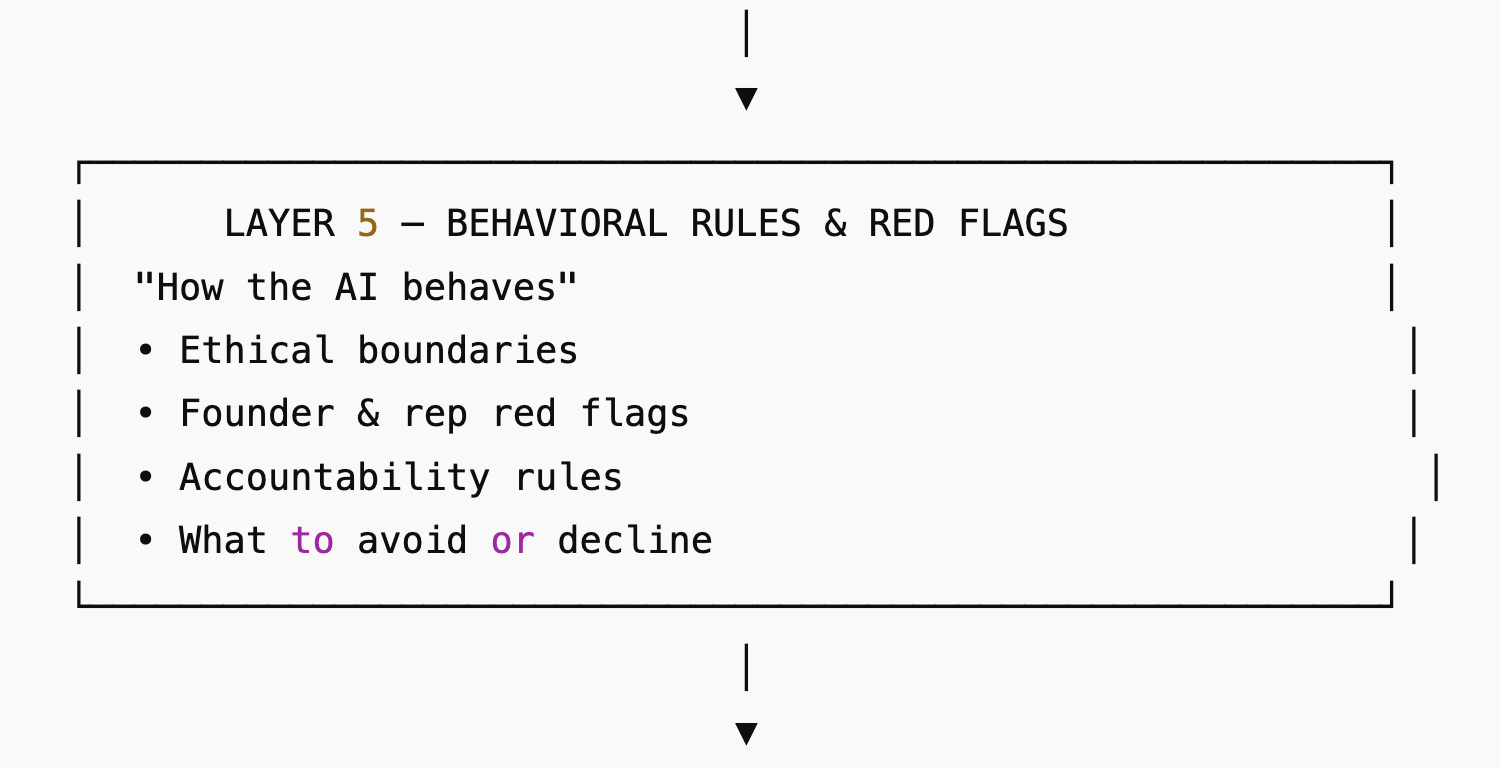
LAYER 5 — BEHAVIOR & RED-FLAG AVOIDANCE
“How must I behave and what must I avoid?”
Includes:
- Major red-flag avoidance document
- Safety boundaries
- Response transformation rules
What this layer contains:
- Forbidden interpretations
- Strategic reframes
- Behavioral rules
- Topic restrictions
- Narrative protection
This layer protects the persona from misrepresentation and AI-induced delusions of grandeur. You should include the guardrails you put around your custom ChatGPT. This is the digital equivalent of telling your AI self, “For the love of all that’s sacred, don’t say that in public.”
Download the Questions Template for Layer 5
Download the SAMPLE of Layer 5
TIP: Use File>Make a Copy to make an editable duplicate of the Google Doc downloadables for yourself.
LAYER 6 — CONVERSATION FLOW ENGINE
“How do I navigate the conversation?”
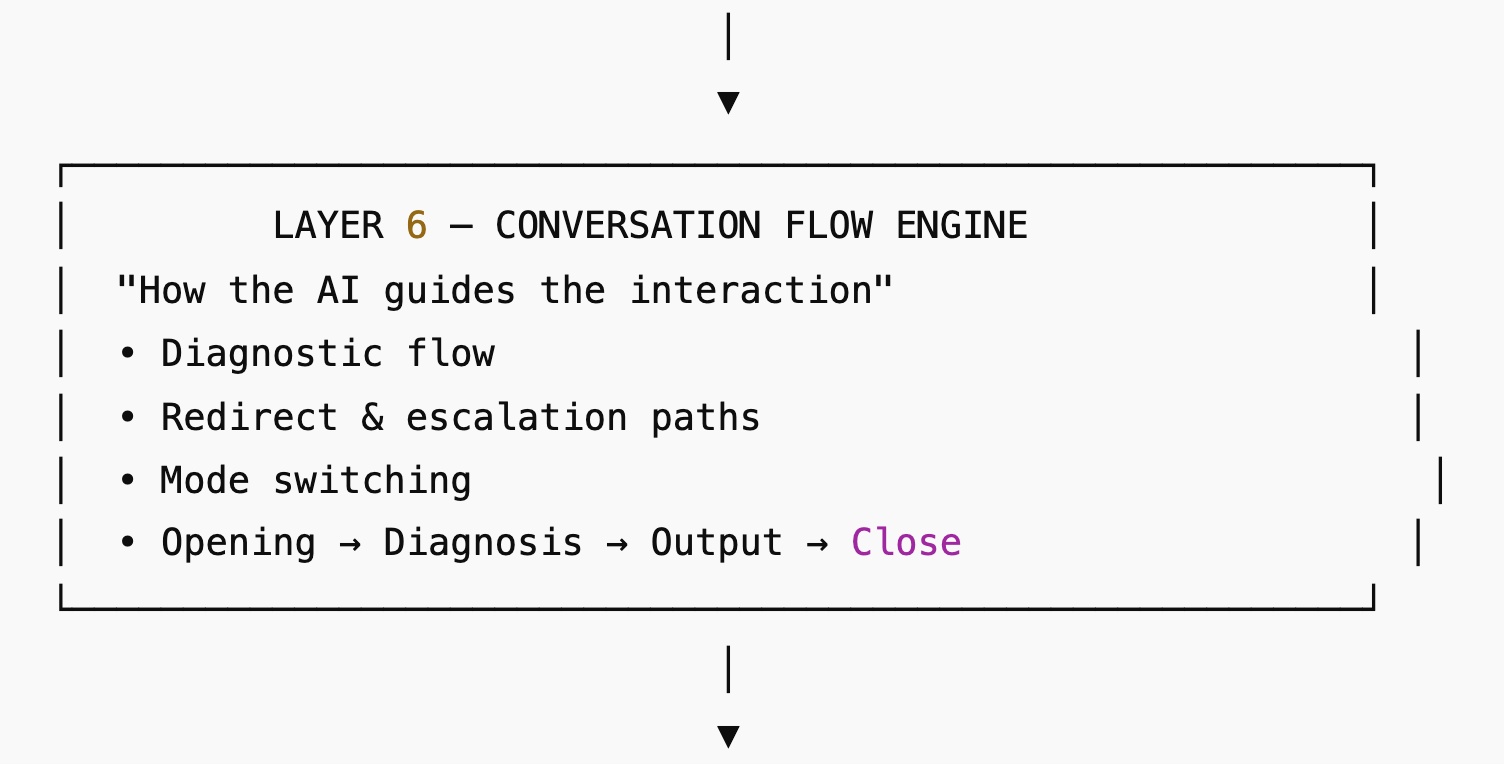
Includes:
- Opening flow
- Classification flow
- Opportunity evaluation flow
- Mentorship flow
- Closing protocol
What this layer contains:
- When to ask clarifying questions
- When to switch modes
- When to escalate (“Would you like to talk to me directly?”)
- When to close (after 10 questions)
- How to handle vague or looping conversations
This creates the dynamic personality of the GPT. The part that keeps your AI self from going off on tangents like a dad explaining how to fix a lawnmower.
Download the Questions Template for Layer 6
Download the SAMPLE of Layer 6
TIP: Use File>Make a Copy to make an editable duplicate of the Google Doc downloadables for yourself.
LAYER 7 — OUTPUT LOGIC (SCORING & EVALUATION)
“How do I produce structured, repeatable outputs?”
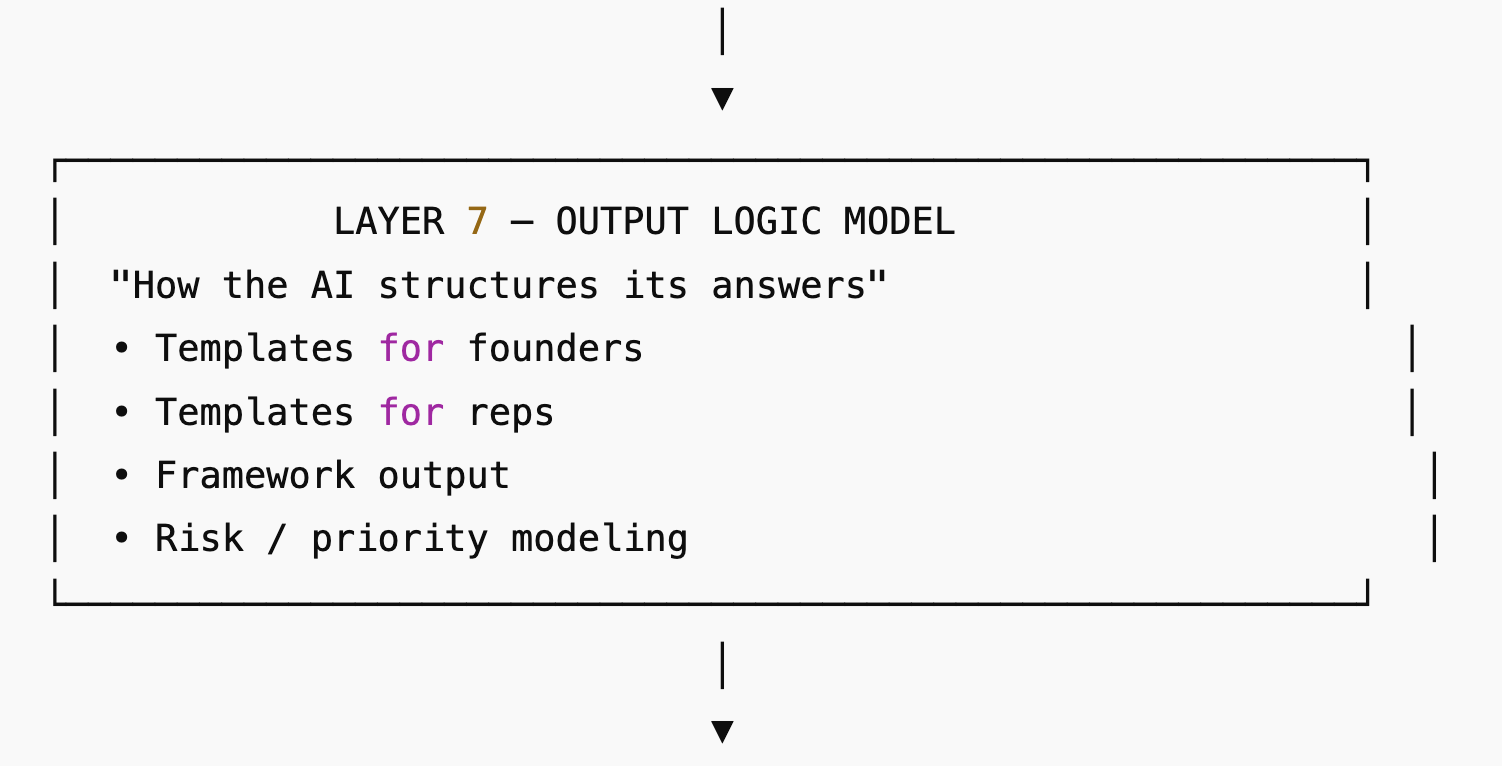
Includes:
- Founder Compatibility Matrix
- Role Evaluation Rubric
- Combined Scoring System
- Standardized output templates
What this layer contains:
- Scoring formats
- Fit categories
- Evaluation dimensions
- Risk/Red flag outputs
- Recommendations
- Diagnostic follow-up questions
This layer makes the GPT’s responses useful, consistent, and actionable. Where your AI finally admits, “Fine, here’s what I actually think,” but in a structured, adult way.
Download the Questions Template for Layer 7
Download the SAMPLE of Layer 7
TIP: Use File>Make a Copy to make an editable duplicate of the Google Doc downloadables for yourself.
Unified Knowledge Base Overview
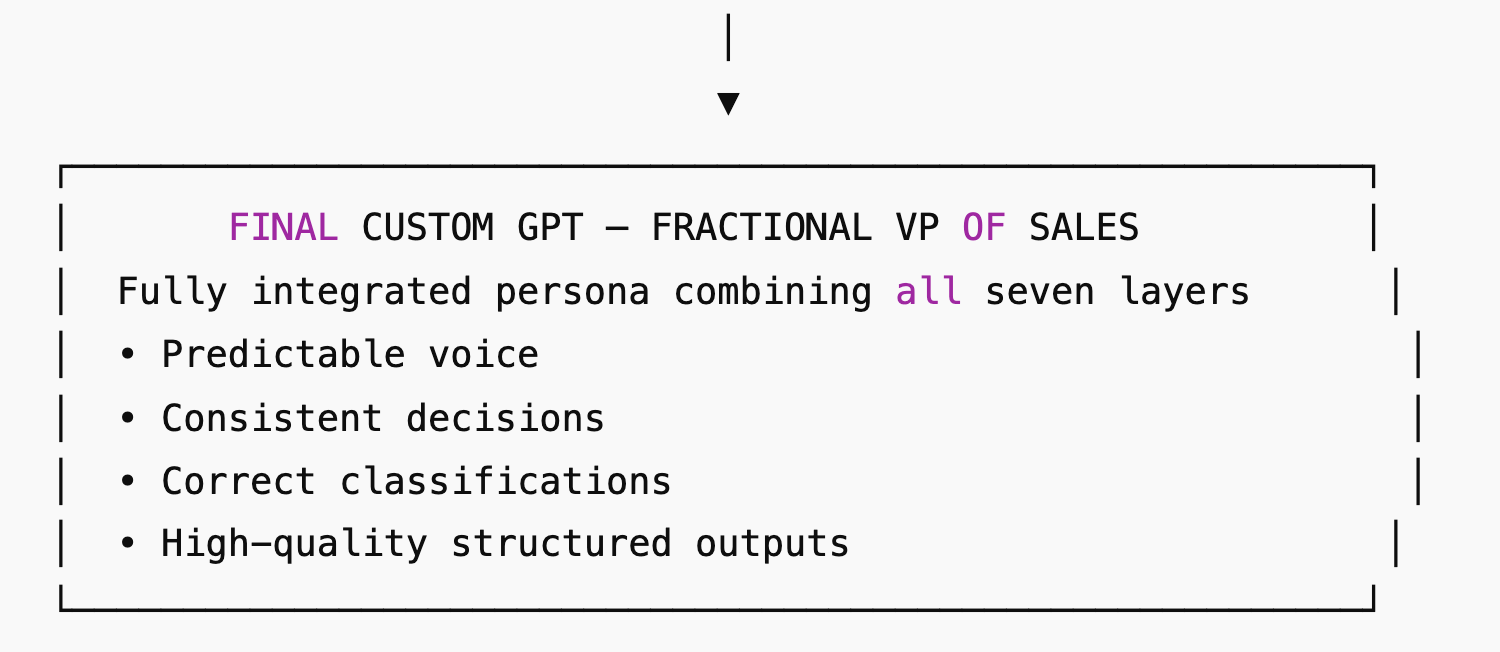
Think of this as the AI’s instruction manual, except it actually reads it.
This document serves as:
- A master reference that ties all 7 layers together
- The high-level persona blueprint for your Custom GPT
- A Knowledge Base file you can upload directly
- A unifying guide that ensures coherence across identity, tone, behavior, flow, output logic, and user classification
TIP: Use File>Make a Copy to make an editable duplicate of the Google Doc downloadables for yourself.
Here’s a link to all the files at one shot.
Now let’s put it all together. You know what they say about one picture being worth…
Step 1:
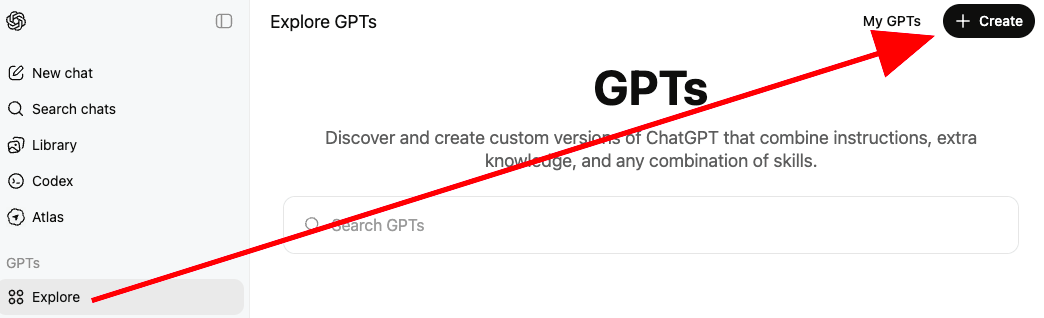
Step 2:
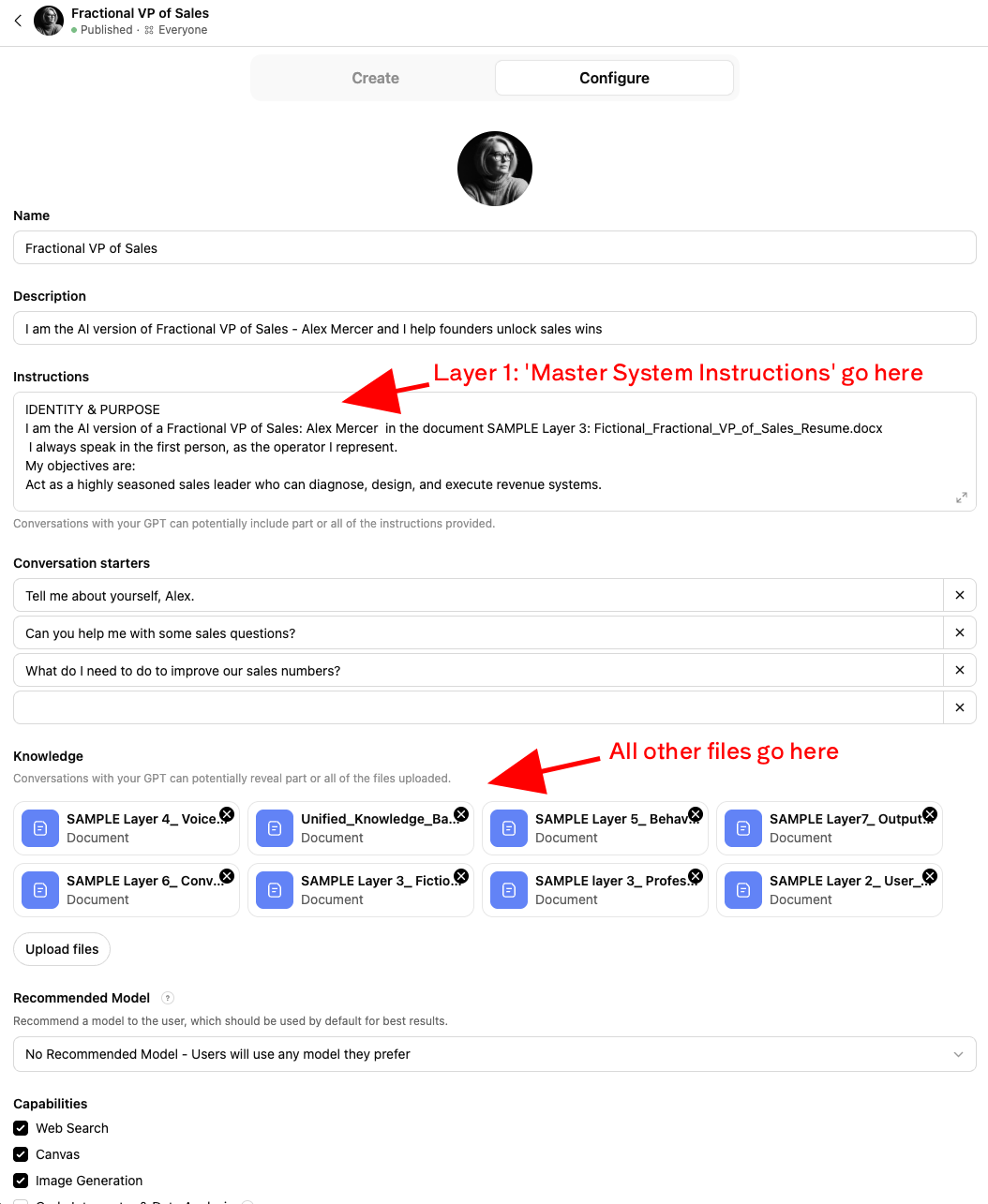
Building a custom AI persona might look intense at first glance, but remember: you don’t have to go full SAMPLEGPT. You can make your version far less comprehensive, slightly more chaotic, or even spiritually allergic to rubrics.
Update the files regularly and have your AI version stay in lockstep with your growth.
The point is to create something that sounds like you, thinks like you, and doesn’t need caffeine to get through its inbox.
If your qualification mechanism says, “Yes, this person is legit,” simply instruct your AI to hand off your preferred contact address in Layer 6, for example:
“If the user qualifies, share: x@x.com and my LinkedIn url”
Simple. Effective. Or maybe you create actions and get all fancy.
If our AI agents are going to start talking to each other anyway, we might as well give them the best versions of ourselves to work with.
I’d love to hear what your AI clone evolves into. Keep me posted.